 WindowsLive
Spieglein (Android).
Android meets PC.
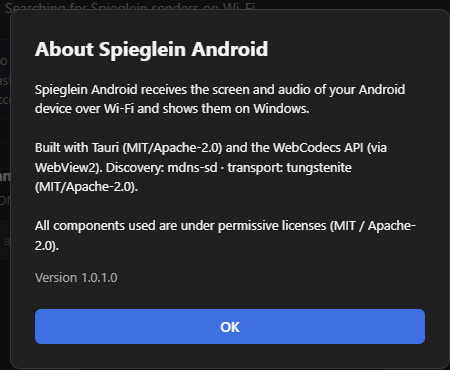
Brings the screen of your Android device to your Windows PC — the matching receiver, local on your Wi-Fi.
- Runs on
- Windows PC
- Receives from
- Spieglein for Android
- Connection
- Local Wi-Fi
What Spieglein (Android) can do
The matching receiver
Shows the picture and sound sent by Spieglein for Android.
Big screen
Photos, presentations or games from your phone on your monitor.
Local Wi-Fi
No cloud in between — your data stays with you.
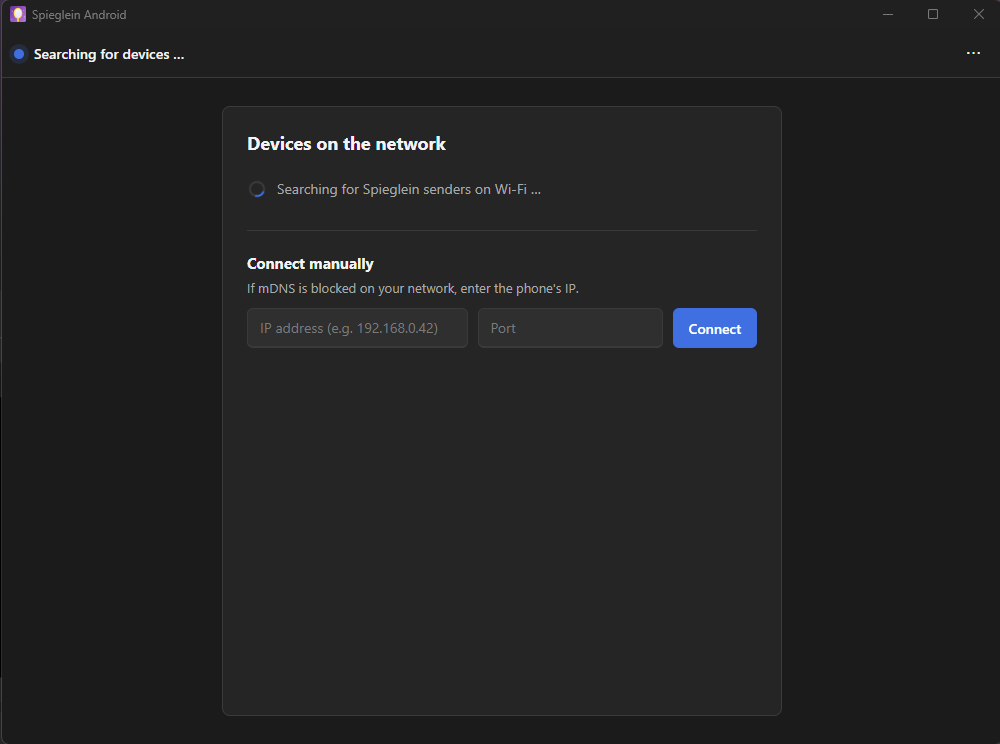
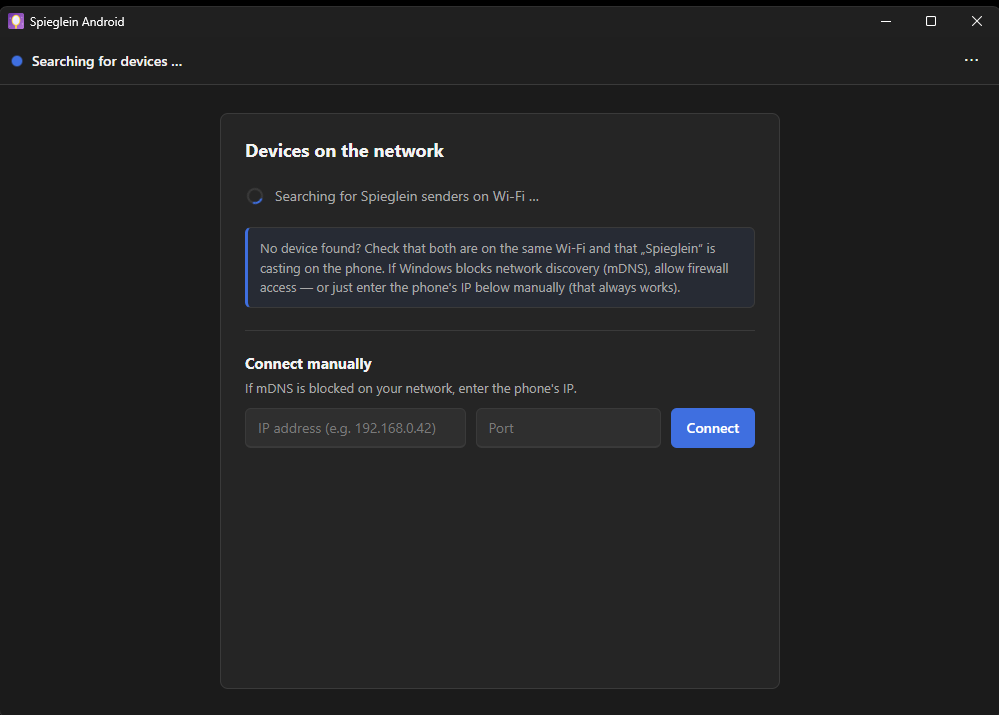
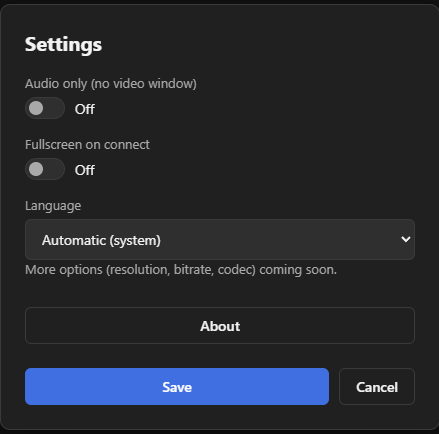
Screenshots
Ready in 3 steps
- Start Spieglein (Android) on your PC.
- Open Spieglein for Android on your phone.
- Choose your PC — done.
FAQ
Does this go through the cloud?
No. The transfer runs directly over your Wi-Fi, between your own devices.
What do I need on my phone?
Spieglein for Android from Google Play — that’s the sender.